Close modal
A Faster, Easier Way to Create and Share Bulletins in BLTN
Discover how our latest feature enhances collaboration and efficiency in creating and sharing bulletins.


Bulletins are how investigators get a case in front of the officers who can move it forward. But the way most agencies create and share them hasn’t kept up: PDFs nobody can search, emails that get buried (an emailed bulletin gets opened about 5% of the time), the same bulletin rebuilt in Word over and over, and key details scattered across share drives, roll call briefs, Outlook inboxes, and records systems.
We built BLTN to fix that. Today, the core of it gets faster: we rebuilt the way you create and share a post, the BLTN version of a bulletin.
Here’s how it works:
The result: less time building bulletins, and more of them seen by the officers who can act on them, in your agency and the ones around you.
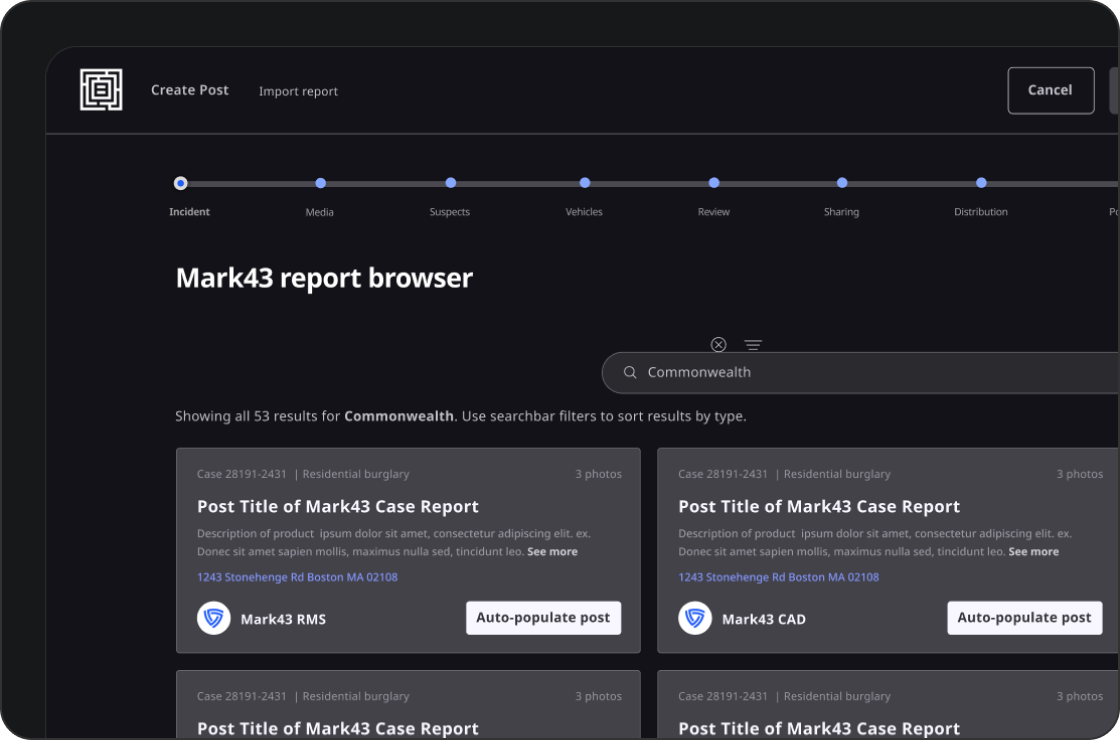
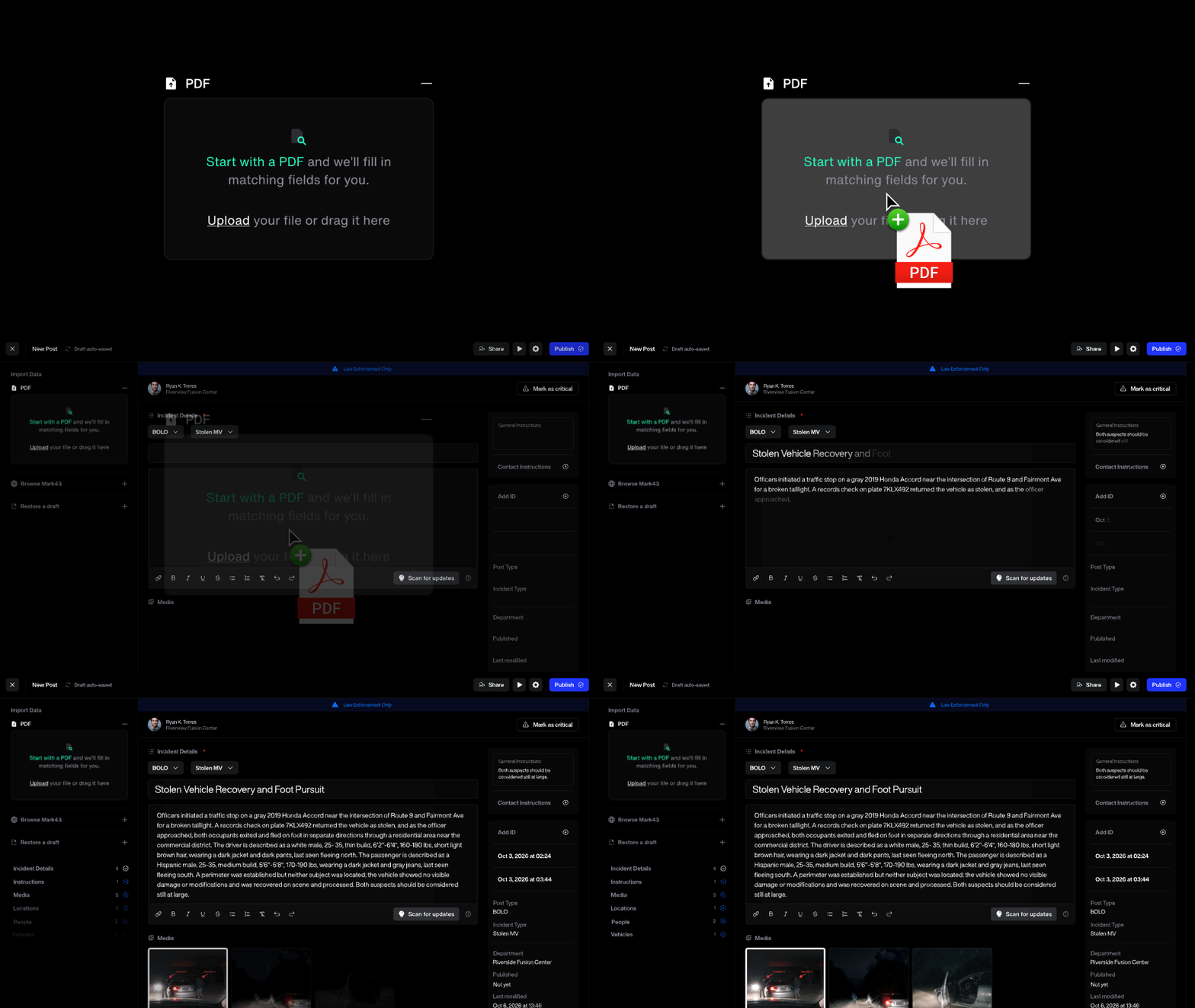
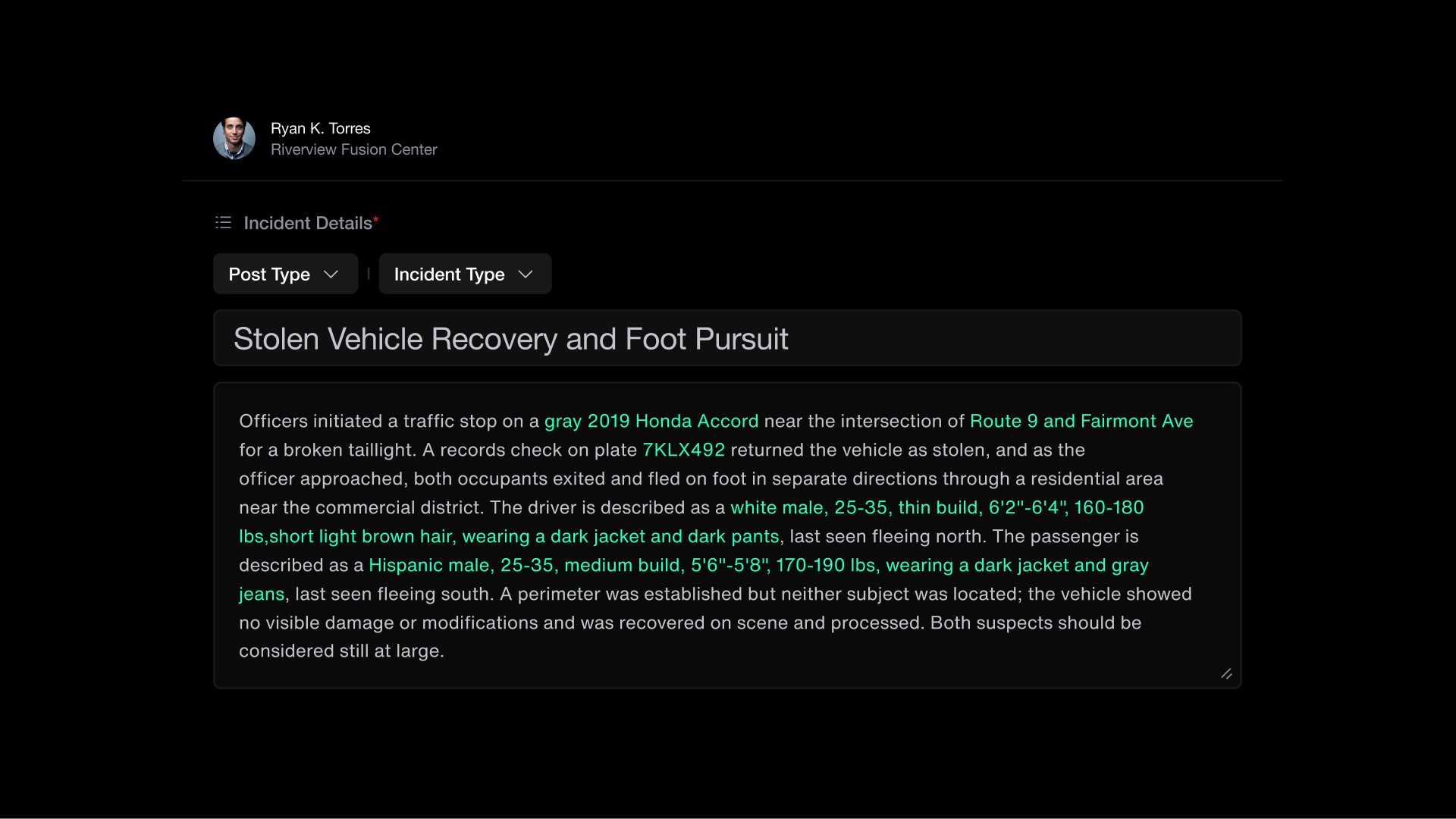
Building a bulletin shouldn’t mean copying information into a document, formatting it by hand, and uploading it somewhere else.
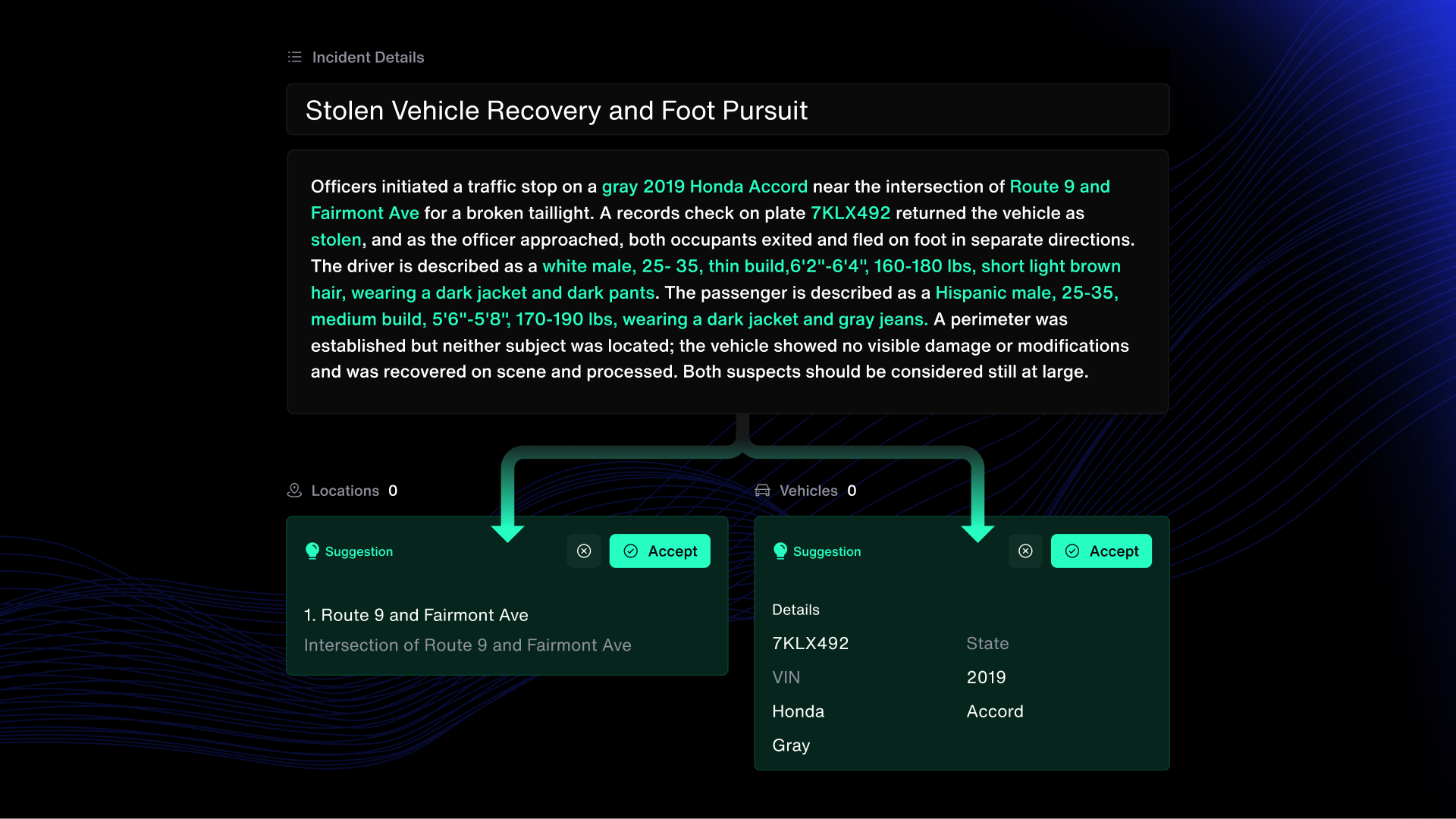
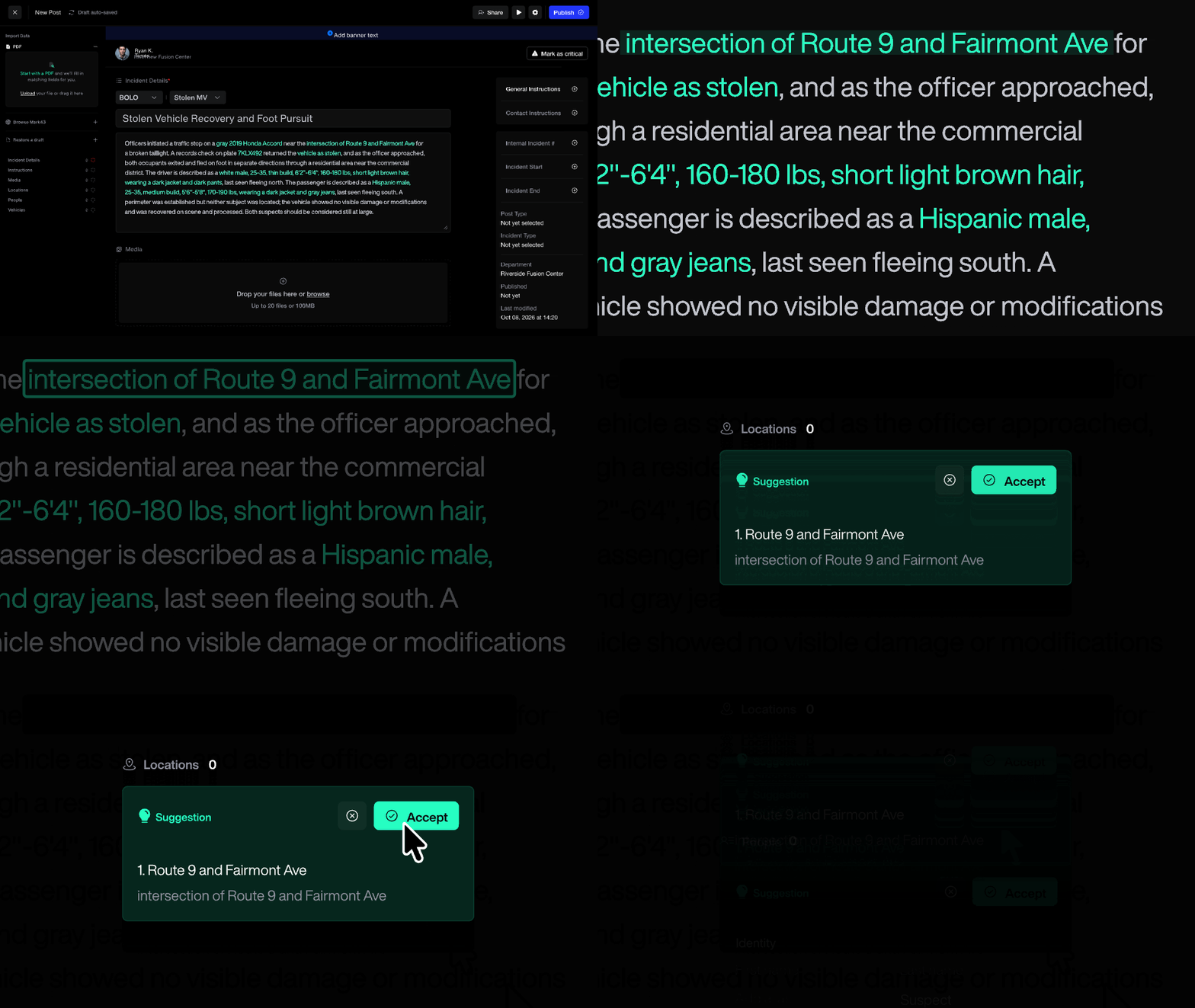
Now you start with the information you already have, and BLTN does the formatting.
Data fields follow FBI and NCIC standards, so the details in every post are easier to search and match across agencies.
Share a post as widely or as narrowly as the case calls for.
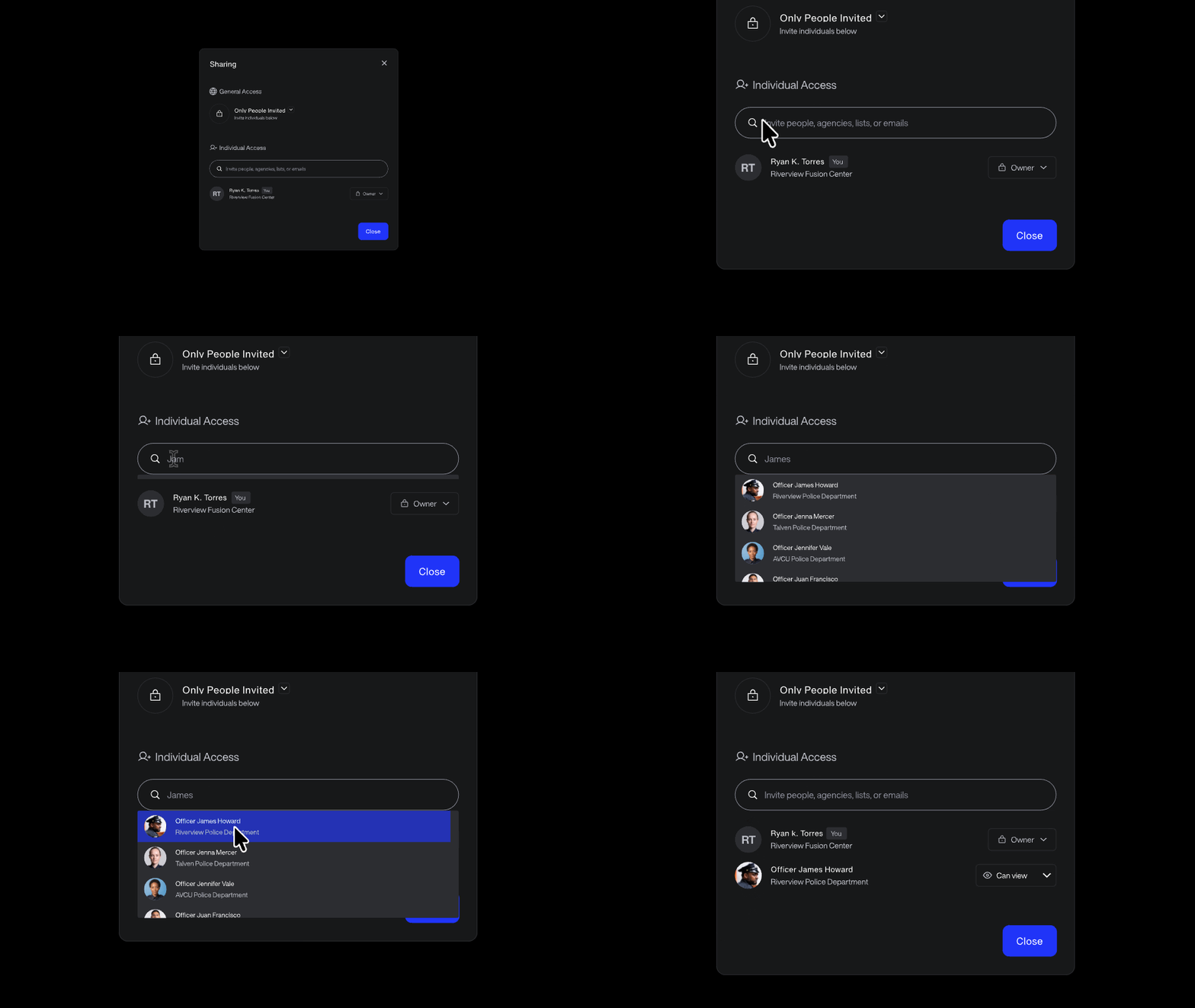
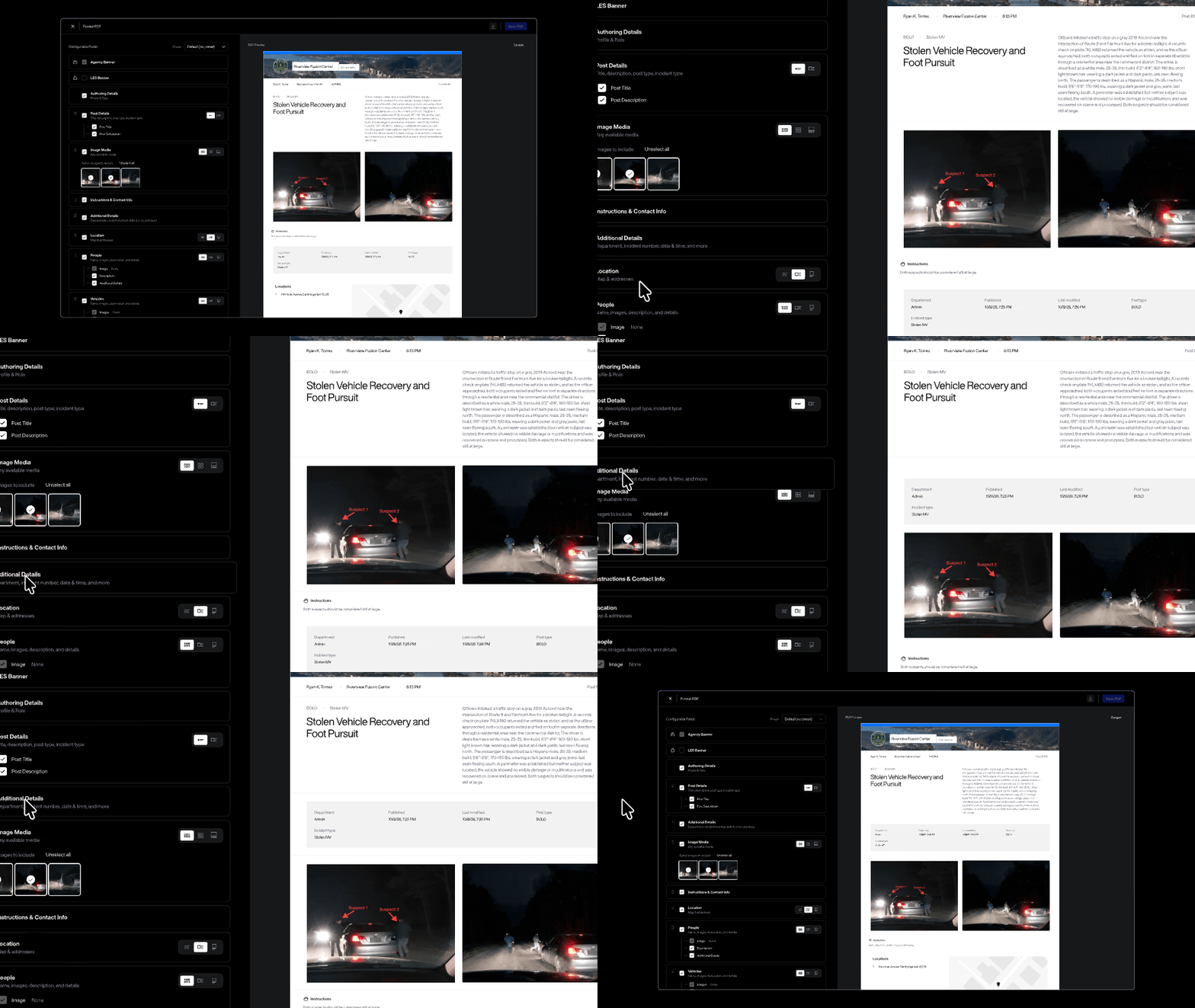
Agencies still email, download, and print bulletins, and that isn’t going away. Now BLTN can build an agency-branded PDF straight from your post. A QR code on the PDF links back to the live post, so anyone holding a printout can check the latest status.
The PDF editor will roll out agency by agency. If your agency already worked with our team on a custom PDF template, it will keep working.
The new create and share workflow rolls out to every BLTN user on October 20. Write the narrative, and BLTN builds the post. Less time in templates means more time on the case, and every post you share gives SmartLink more to check against. SmartLink finds the connection. You make the call.


.png)